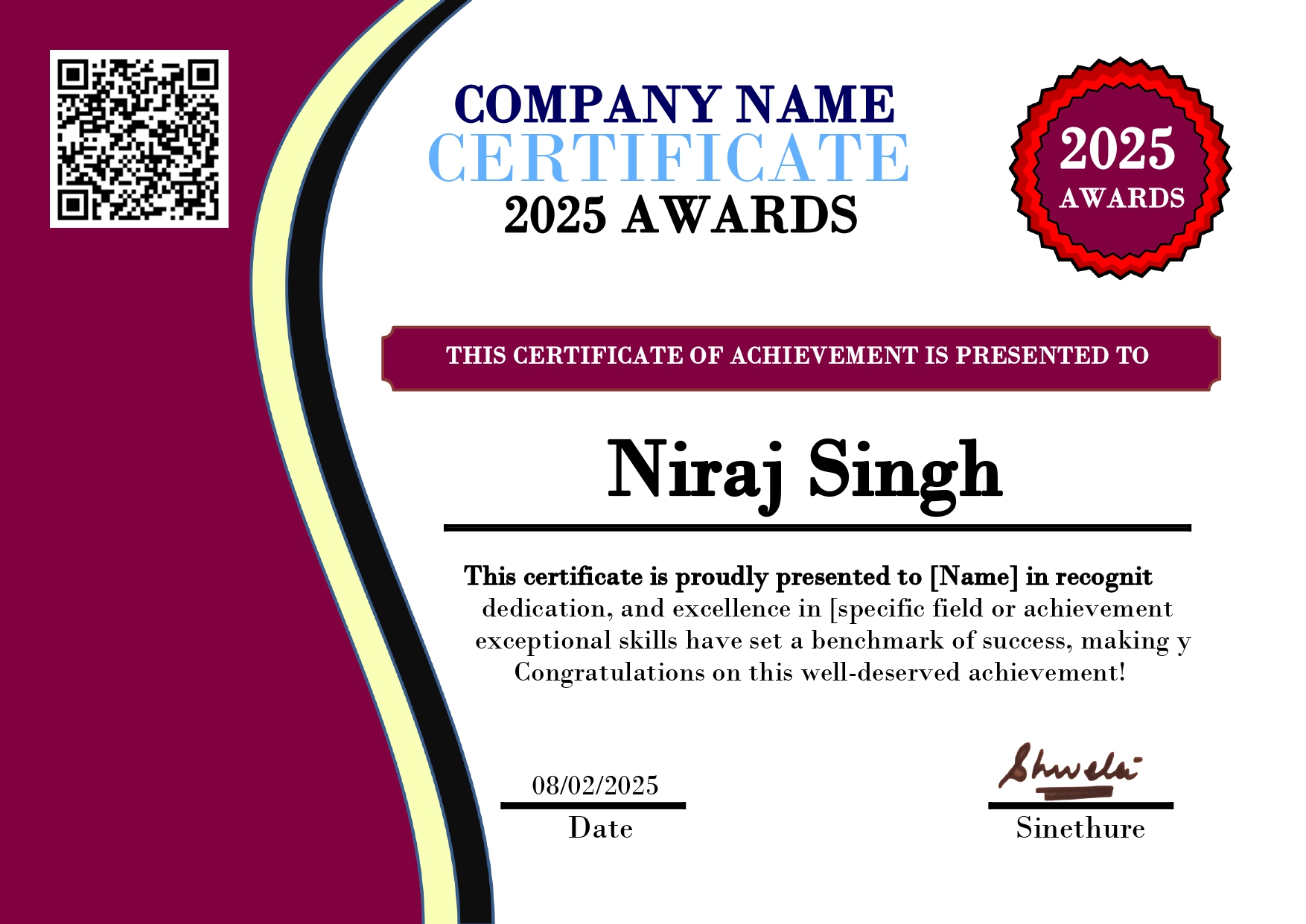
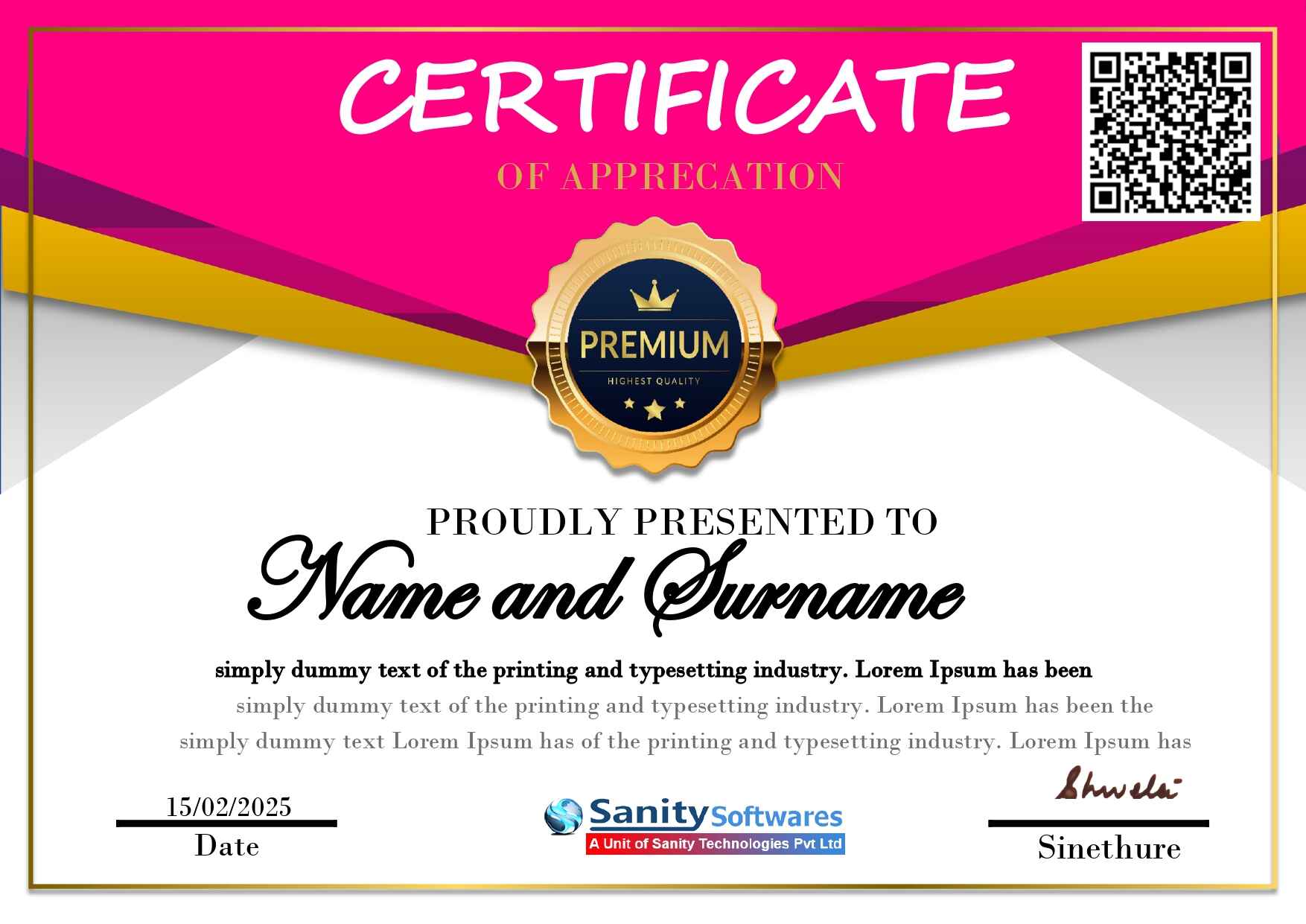
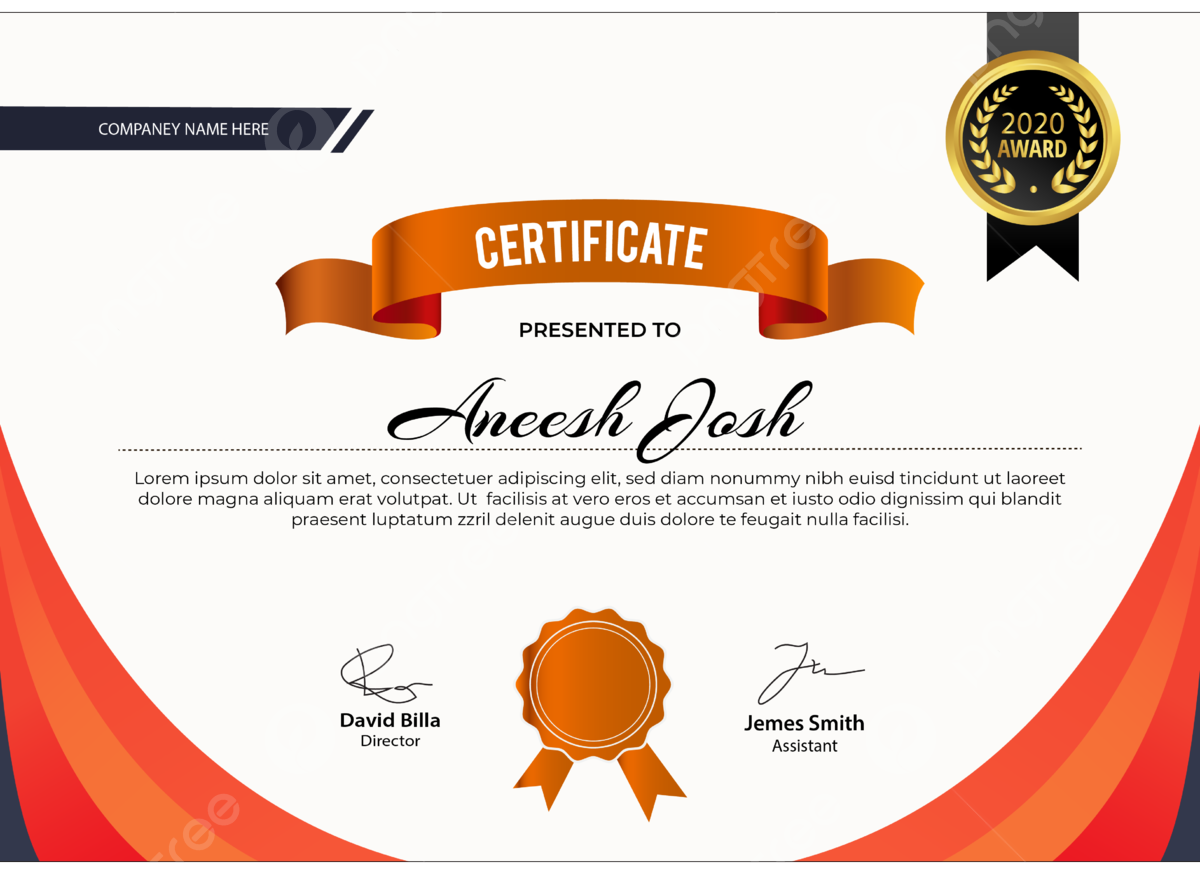
🎨 Certificate Design Select
अपना पसंदीदा certificate template choose करें और online certificate बनाना शुरू करें
DocMakerHub Certificate Maker एक आसान online tool है जिससे आप professional certificate कुछ ही मिनटों में बना सकते हैं। Course, Training, Internship, Award और Participation certificates के लिए ready templates select करें और high quality PDF download करें।
Trusted online document creation platform for certificate, resume, invoice and ID card tools.
✅ Free Templates | ✅ PDF Download | ✅ Mobile Friendly | ✅ Easy Editing | ✅ Professional Design
Create Certificate NowHigh quality printable certificate PDF create और download करें।
Ready-made certificate designs choose करके जल्दी certificate बनाएं।
Simple process से बिना design knowledge certificate generate करें।
अपना पसंदीदा certificate template choose करें और online certificate बनाना शुरू करें
Online Certificate Maker एक digital tool है जिसकी मदद से कोई भी user बिना graphic design knowledge के professional certificate बना सकता है। पहले certificate design करने के लिए अलग software, designer या editing skills की जरूरत पड़ती थी, लेकिन अब online certificate generator की मदद से कुछ ही मिनटों में certificate तैयार किया जा सकता है।
DocMakerHub Certificate Maker users को simple और easy platform देता है जहाँ ready-made certificate templates available हैं। User अपनी जरूरत के अनुसार design select करके certificate details add कर सकता है और final certificate PDF format में download कर सकता है।
यह tool students, teachers, coaching institutes, training centers, event organizers और professionals के लिए useful है। Certificate बनाने की पूरी process fast, simple और user friendly बनाई गई है।
Certificate किसी भी achievement, learning या participation का official proof होता है। Education और professional field में certificate की importance लगातार बढ़ रही है। आज के समय में skills और practical learning को show करने के लिए certificate एक important document माना जाता है।
Students अपने courses, workshops और competitions के certificates अपने record में रखते हैं। Professionals अपने resume और career profile में certificates add करके अपनी skills और experience दिखाते हैं।
एक अच्छा certificate व्यक्ति की मेहनत और achievement को professional तरीके से represent करता है। इसी वजह से schools, colleges, companies और organizations certificates issue करते हैं।
DocMakerHub Certificate Maker अलग-अलग जरूरतों के लिए certificate बनाने में मदद करता है। आप education, training, events और professional purpose के लिए certificate create कर सकते हैं।
DocMakerHub पर certificate create करने की process बहुत आसान है। आपको complicated software install करने की जरूरत नहीं होती।
Step 1: ऊपर दिए गए certificate templates में से अपनी पसंद का design select करें।
Step 2: Certificate में name, course, date, organization और बाकी information add करें।
Step 3: Certificate preview check करें ताकि कोई spelling या detail mistake ना रहे।
Step 4: Final certificate को PDF format में download करें।
आज के competitive समय में सिर्फ qualification काफी नहीं होती। Extra skills और practical knowledge भी बहुत important हो गए हैं। Certificates आपके resume को ज्यादा professional और strong बनाने में मदद करते हैं।
जब recruiter किसी candidate का profile देखता है तो certificate section से candidate की learning और interest का idea मिलता है। Internship और training certificates freshers के लिए ज्यादा helpful होते हैं।
एक अच्छा certificate सिर्फ सुंदर दिखने वाला design नहीं होता, बल्कि उसमें सभी important information सही तरीके से arrange होनी चाहिए। Professional certificate में clean layout, readable fonts और proper spacing बहुत जरूरी होती है।
Certificate design करते समय कोशिश करनी चाहिए कि ज्यादा unnecessary graphics, colors या effects use ना किए जाएं। Simple और professional certificate ज्यादा trusted दिखाई देता है।
PDF format आज documents share करने का सबसे common और reliable तरीका है। PDF certificate का फायदा यह है कि उसका layout अलग-अलग devices में same दिखाई देता है।
अगर certificate image format में होता है तो quality कम हो सकती है, लेकिन PDF format printing और sharing दोनों के लिए अच्छा माना जाता है। DocMakerHub certificate को printable format में बनाने पर focus करता है।
Students PDF certificate को अपने records में रख सकते हैं और जरूरत पड़ने पर email या online profile में share कर सकते हैं।
कई बार certificate design अच्छा होने के बाद भी छोटी mistakes की वजह से professional नहीं लगता। Certificate download करने से पहले सभी details carefully check करनी चाहिए।
हमारे experience में users सबसे ज्यादा गलती spelling और date में करते हैं। Final PDF download करने से पहले preview जरूर check करें।
Education field में certificates का बहुत important role होता है। School, college और online learning platforms certificates का उपयोग student achievement और course completion को record करने के लिए करते हैं।
आज online education तेजी से बढ़ रही है और short courses, training programs और workshops के certificates students के लिए extra value add करते हैं।
Businesses और organizations भी certificates का उपयोग employees, participants और members को recognize करने के लिए करते हैं।
Employee appreciation certificates, training certificates और achievement certificates company culture को improve करने में मदद करते हैं।
Online certificate maker से small organizations भी बिना ज्यादा cost के professional looking certificates create कर सकते हैं।
Certificate एक important document होता है इसलिए इसे हमेशा सही purpose के लिए use करना चाहिए। गलत information या fake details future में problems create कर सकती हैं।
DocMakerHub users को certificate design करने की सुविधा देता है। Certificate में दी गई information और उसका उपयोग user या issuing organization की responsibility होती है।
Digital learning और online training के बढ़ने के साथ certificates की importance और ज्यादा बढ़ रही है। आज companies और institutes digital certificates को तेजी से adopt कर रहे हैं।
Skill based hiring में certificates एक supporting document की तरह काम करते हैं। Short courses, micro learning और online training certificates आने वाले समय में career growth में और ज्यादा useful होंगे।
DocMakerHub का goal users को simple और useful document tools provide करना है। Certificate Maker ऐसा बनाया गया है जिससे beginners भी आसानी से certificate बना सकें।
Certificate बनाते समय हमेशा accuracy और professional design पर ध्यान दें। एक सही तरीके से बनाया गया certificate आपकी learning, achievement और efforts को अच्छे तरीके से represent करता है।
Download करने से पहले certificate preview check करें और सभी details verify करें। इससे आपका final certificate ज्यादा professional और useful बनेगा।
1. क्या DocMakerHub Certificate Maker free है?
हाँ, DocMakerHub Certificate Maker का उपयोग करके आप online certificate design कर सकते हैं।
2. क्या Certificate PDF download कर सकते हैं?
हाँ, certificate create करने के बाद printable PDF format में download किया जा सकता है।
3. क्या mobile से certificate बना सकते हैं?
हाँ, यह certificate maker mobile, tablet और desktop सभी devices पर काम करता है।
4. Certificate बनाने में कितना समय लगता है?
Normally कुछ ही मिनटों में certificate create किया जा सकता है।
5. क्या design skill जरूरी है?
नहीं, ready-made templates की वजह से beginner user भी certificate बना सकता है।
6. कौन-कौन certificate बना सकता है?
Students, teachers, institutes, companies और event organizers certificate बना सकते हैं।
7. क्या certificate print किया जा सकता है?
हाँ, PDF certificate को print किया जा सकता है।
8. क्या certificate edit कर सकते हैं?
हाँ, final download से पहले details edit की जा सकती हैं।
9. Certificate में कौन सी details होनी चाहिए?
Name, title, date, organization और certificate information सही होनी चाहिए।
10. क्या certificate professional use के लिए ठीक है?
सही information और genuine purpose के साथ बनाया गया certificate professional दिखता है।
अगर हमारी Website में Documents या कुछ भी बनाने में आपको कोई समस्या आ रही हो, तो आप हमसे Contact कर सकते हैं। यदि आप अपने अनुसार कोई Custom Design बनवाना चाहते हैं, तो हमें Feedback दें। आपकी आवश्यकता के अनुसार Design तैयार करके दिया जाएगा।